



Running an ecommerce business involves much more than maintaining a storefront and processing orders.
Products need to be categorized, customers need support, inventory needs monitoring, marketing campaigns require segmentation, returns need processing, and data often needs to move between ecommerce platforms, CRMs, ERPs, warehouses, shipping systems and other business applications.
When a business processes a small number of orders, many of these tasks can be handled manually.
As the business grows, however, those same tasks can become operational bottlenecks.
This is where AI automation becomes useful.
AI does not need to control every part of an ecommerce business. Many predictable processes are still better handled by traditional automation.
The real opportunity is to identify repetitive work that requires employees to repeatedly read information, classify data, make routine decisions or transfer information between systems.
For Shopify, WooCommerce and BigCommerce stores, practical AI automation usually combines ecommerce data, APIs, workflow automation, business rules, AI models and human approval.
The technology matters, but the business process matters more.
What Is AI Ecommerce Automation?
AI ecommerce automation is the use of artificial intelligence together with ecommerce data, APIs, workflows and business rules to complete repetitive tasks or help teams make decisions.
There are generally three levels of ecommerce automation.
| Automation Type | Example | Best Use |
| Rule-based automation | Send an alert when inventory falls below 10 units | Predictable processes |
| AI-assisted automation | Analyze sales and identify SKUs likely to run out | Analysis and interpretation |
| Agentic automation | Analyze sales, stock and demand and prepare a replenishment action | Multi-step decisions |
Consider a simple example.
If the requirement is:
If an order value exceeds ₹20,000, notify the sales team.
AI is unnecessary.
A normal automation rule can handle it.
But consider another requirement:
Analyze high-value orders, purchasing history, payment behavior and previous customer activity to determine which orders require manual review.
AI becomes useful because the system needs to interpret several pieces of information before making a recommendation.
The strongest ecommerce automation systems normally use traditional rules where certainty matters and AI where interpretation adds value.

Why Ecommerce Businesses Are Using AI Automation
Modern ecommerce businesses are becoming increasingly complicated.
One business may use Shopify, WooCommerce or BigCommerce together with:
- ERP software
- CRM software
- Warehouse systems
- Shipping platforms
- Customer support tools
- Marketing automation
- Analytics
- Marketplaces
- Accounting platforms
- Subscription systems
- Loyalty programs
- Custom applications
Every additional system creates more opportunities for manual work.
Employees may need to copy information between applications, investigate exceptions, review reports, categorize products or repeatedly answer similar customer questions.
AI automation can reduce this workload without requiring every process to become completely autonomous.
The main objective should be to reduce repetitive work while improving the speed and consistency of operations.
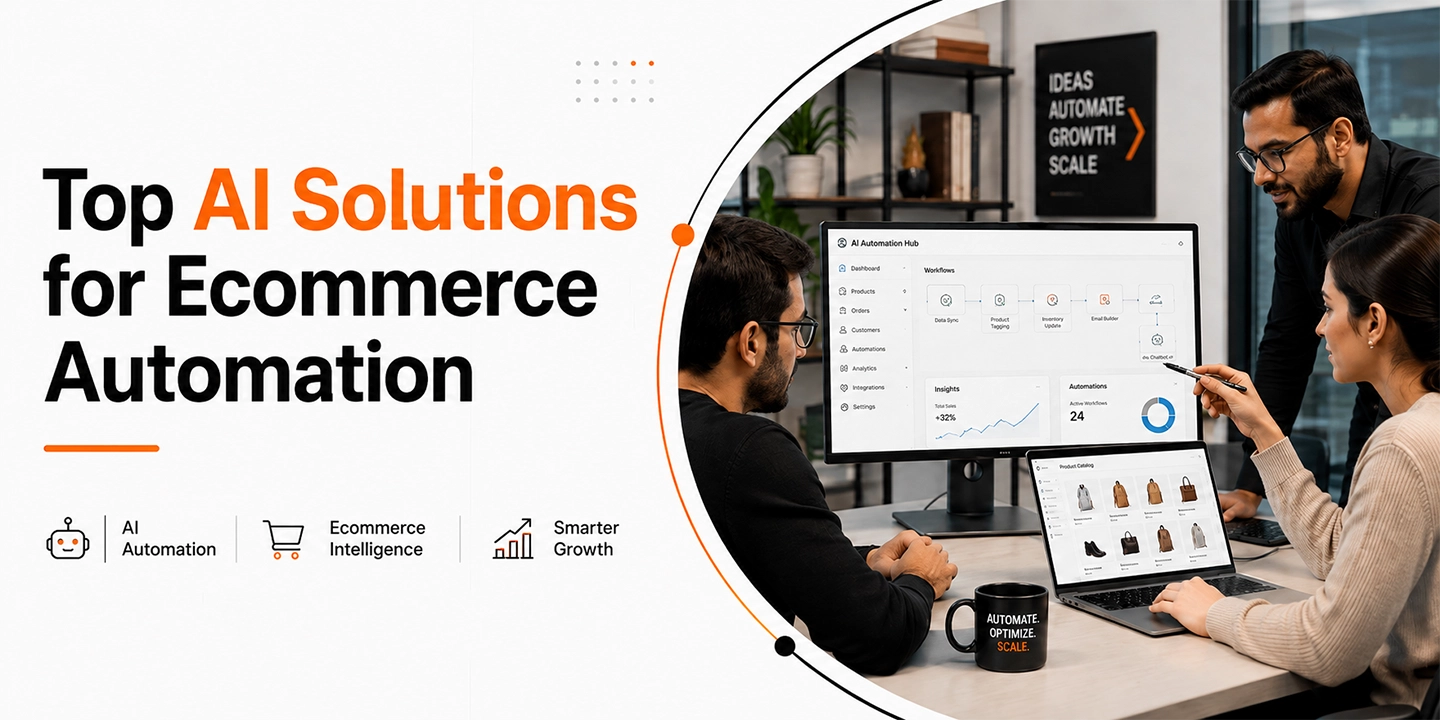
Top AI Solutions for Ecommerce Automation
1. AI Customer Support
Customer support is one of the most practical places to introduce AI.
Customers repeatedly ask questions such as:
- Where is my order?
- Can I change my delivery address?
- When will this item return to stock?
- Can I return this product?
- Which size should I purchase?
- Is this product suitable for me?
- Do you deliver to my PIN code?
A useful AI support system should not simply generate generic answers.
It should be connected to actual business information such as:
- Orders
- Shipping information
- Product information
- FAQs
- Return policies
- Inventory
- Customer accounts
- CRM history
For example, when a customer asks where an order is, the system could retrieve the order, check the shipping status and provide an appropriate response.
If the shipment appears delayed, it could create a support ticket for the team.
This is where AI support becomes more valuable than a basic chatbot.
It is not only answering the customer’s question.
It is helping identify the operational problem behind it.
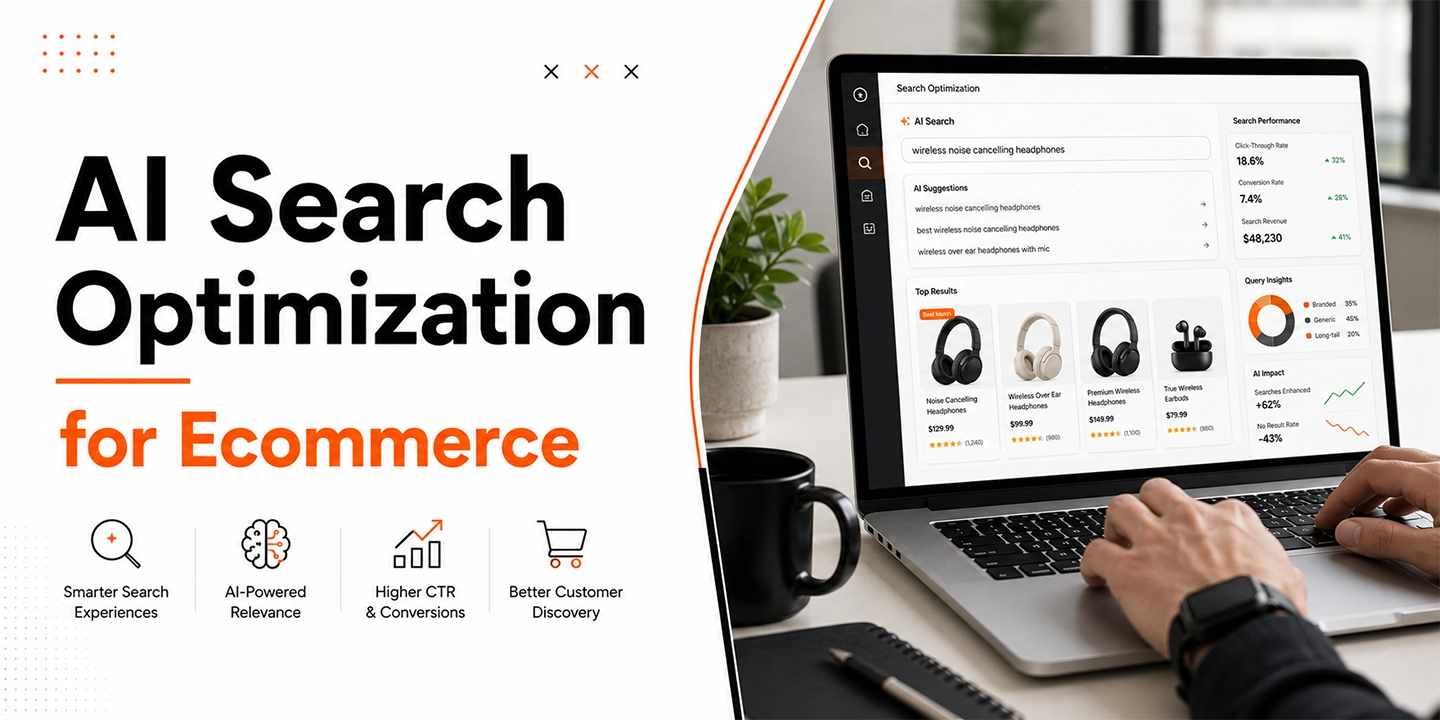
2. AI Search and Product Discovery
Traditional ecommerce search often relies heavily on keywords and product attributes.
Customers do not always search that way.
One customer may search:
Black running shoes
Another might search:
Comfortable black shoes for walking all day under ₹5,000
The second query contains several signals:
- Product type
- Color
- Use case
- Comfort requirement
- Budget
AI-powered search can interpret these signals and match them against product information.
This can be especially valuable for businesses selling:
- Fashion
- Beauty products
- Electronics
- Furniture
- Health products
- Automotive products
- B2B products
- Large product catalogs
However, AI cannot compensate for poor product information.
Product titles, categories, attributes, specifications, pricing and availability still need to be accurate.
Better data generally leads to better AI recommendations.
3. AI Product Recommendations
Traditional recommendation systems often use relationships such as:
Customers who purchased this also purchased…
AI recommendations can understand more detailed customer intent.
Consider a skincare customer asking:
I have oily skin and pigmentation. I want a simple morning routine below ₹3,000.
An AI recommendation system could consider:
- Skin concerns
- Product type
- Ingredients
- Product compatibility
- Budget
- Previous purchases
- Inventory
- Ratings
- Customer preferences
It could then recommend products that fit the customer’s actual requirement.
This is particularly useful for categories where customers need help choosing products.
Examples include:
- Beauty
- Fashion
- Wellness
- Electronics
- Furniture
- Specialist equipment
For very simple products, traditional recommendation systems may still be sufficient.
4. Product Content and Catalog Automation
Large ecommerce catalogs require significant administrative work.
AI can help create or improve:
- Product titles
- Descriptions
- Short descriptions
- Bullet points
- Specifications
- Product tags
- Categories
- SEO metadata
- Image ALT text
- Product feeds
One of the strongest use cases is catalog standardization.
Imagine receiving 5,000 products from several suppliers.
One supplier writes:
100% Cotton
Another writes:
Pure Cotton
Another uses:
Cotton 100 Percent
AI can help normalize the information into a consistent structure.
Instead of manually reviewing every product, employees can focus on exceptions and uncertain cases.
5. Product Categorization and Attribute Mapping
Categorizing products becomes increasingly difficult as catalogs grow.
A fashion retailer, for example, may need to classify products according to:
- Gender
- Category
- Fit
- Color
- Fabric
- Pattern
- Sleeve type
- Occasion
- Collection
AI can analyze titles, descriptions, specifications and images to suggest appropriate categories and attributes.
High-confidence matches could be processed automatically.
Uncertain products can be sent for manual review.
This approach reduces manual work without allowing AI to make uncontrolled catalog changes.
6. Abandoned Cart Automation
Many ecommerce businesses send the same abandoned-cart message to every customer.
But not every abandoned cart represents the same situation.
Examples include:
- First-time visitor
- Returning customer
- High-value customer
- Large B2B cart
- Customer repeatedly checking delivery costs
- Customer abandoning the same product several times
- Customer whose preferred product has limited inventory
AI can classify these situations and route customers into different recovery workflows.
For example:
A first-time shopper may receive product information.
An existing customer may receive a reminder.
A high-value B2B cart may trigger a sales-team notification.
A customer concerned about delivery may receive shipping information.
Discounts do not need to be the automatic response to every abandoned cart.
7. Customer Segmentation and Personalization
Most ecommerce stores collect significant amounts of customer information.
Only a portion of that data is normally used.
AI can help identify customer segments using signals such as:
- Purchase frequency
- Average order value
- Product interests
- Discount usage
- Browsing behavior
- Return patterns
- Email engagement
- Customer lifetime value
- Days since last purchase
Businesses can then create more relevant communication.
For example:
A loyal customer could receive early access to a new collection.
A first-time customer might receive educational content.
A regular buyer may receive a replenishment reminder.
A dormant high-value customer could enter a retention campaign.
AI makes customer segmentation more flexible without requiring the marketing team to manually create hundreds of filters.
8. Inventory Monitoring and Demand Planning
Traditional inventory automation often relies on fixed thresholds.
For example:
If inventory drops below 10 units, send an alert.
But ten units can mean different things for different products.
For a slow-moving product, ten units may be enough for several months.
For a fast-moving product, ten units may last less than one day.
AI-supported inventory systems can analyze:
- Current inventory
- Sales velocity
- Supplier lead time
- Upcoming promotions
- Historical demand
- Seasonality
- Open purchase orders
- Warehouse inventory
The system can then identify products that genuinely require attention.
This is particularly helpful for businesses affected by seasonal or promotional demand.
For Indian ecommerce businesses, demand can also change significantly around events such as Diwali, Holi, Raksha Bandhan, Eid, wedding seasons and major sale periods.
AI can support planning, but significant purchase orders should generally remain under human control.
9. Order Management and Exception Detection
Most successful ecommerce orders do not need manual review.
Exceptions do.
AI can help identify orders requiring attention because of:
- Unusual order values
- Missing information
- Inventory mismatch
- Shipping problems
- Payment anomalies
- Repeated cancellations
- Address issues
- Customer complaints
- ERP synchronization failures
Instead of employees reviewing hundreds of normal orders, the system can highlight the relatively small number requiring investigation.
This can significantly reduce operational workload as order volume increases.
10. Returns and Refund Automation
Returns contain both structured information and customer-written explanations.
A customer may write:
Too small
Packaging was damaged
Color does not match the website
Ordered the wrong model
AI can categorize those explanations and identify patterns.
A return workflow could look like:
Customer submits request → eligibility checked → return reason classified → instructions generated → warehouse notified → CRM updated → refund prepared
The important word here is prepared.
Large refunds, suspicious activity and customer disputes should normally require human approval.
11. Review and Sentiment Analysis
A business can manually review 50 customer reviews.
Reviewing 50,000 reviews across products and channels is far more difficult.
AI can group customer feedback around topics such as:
- Product quality
- Packaging
- Fit
- Delivery
- Durability
- Customer service
- Instructions
- Defects
Suppose several customers suddenly begin mentioning damaged packaging.
AI can identify the pattern and notify the operations team before the problem becomes significantly larger.
This turns customer reviews into useful operational data.
12. Ecommerce Reporting and Analytics
Managers frequently spend time collecting information instead of interpreting it.
AI can prepare daily or weekly reports covering:
- Sales
- Revenue
- Orders
- Conversion
- Average order value
- Returns
- Discounts
- Inventory
- Best-selling products
- Customer segments
- Marketing performance
- Support trends
The more useful opportunity is anomaly detection.
Instead of simply reporting:
Revenue increased by 15%.
AI could identify:
Revenue increased by 15%, but profit margin declined because more customers purchased through promotional discounts.
That gives the business something specific to investigate.
13. B2B Ecommerce Automation
AI automation can also support B2B ecommerce operations.
Possible use cases include:
- Lead qualification
- Customer summaries
- Quote preparation
- Product recommendations
- Reorder identification
- Purchase history summaries
- CRM updates
- Sales follow-ups
- Account prioritization
B2B ecommerce usually involves more complex pricing, customer relationships and approval processes.
AI therefore works best as a sales assistant rather than having complete control over decisions.
Credit limits, contract pricing and significant discounts should remain controlled through business rules and employee approval.
14. Cross-System Workflow Automation
This is one of the most useful areas for ecommerce automation.
Real businesses rarely operate entirely inside one ecommerce platform.
A retailer may use:
- Shopify
- WooCommerce
- BigCommerce
- SAP
- NetSuite
- Microsoft Dynamics
- Salesforce
- HubSpot
- Klaviyo
- Gorgias
- ShipStation
- Warehouse software
- Accounting systems
- Custom applications
A workflow might look like:
Order created → validate information → create ERP order → reserve inventory → update CRM → notify warehouse → identify high-value customer → notify account team
Workflow platforms can manage the predictable steps.
AI can handle areas where information needs interpretation.
The important principle is simple:
Use workflow automation to control the process.
Use AI when reasoning or classification adds value.
AI Automation for Shopify, WooCommerce and BigCommerce
Each ecommerce platform provides different options for AI and workflow automation.
The right approach depends on the store’s existing architecture, integrations and operational requirements.
Shopify AI Automation
Shopify provides a strong ecosystem for ecommerce automation.
Businesses can use native automation capabilities, apps, APIs, webhooks and custom applications to automate operations.
Common Shopify AI automation use cases include:
- Customer support
- Product descriptions
- Customer segmentation
- Order workflows
- Inventory alerts
- Product recommendations
- Reporting
- Marketing automation
- Fraud review support
- Cross-system integrations
Shopify works particularly well when businesses want a managed ecommerce environment while still connecting the platform to external systems.
Native tools may be sufficient for straightforward requirements.
Custom development becomes more useful when Shopify needs to connect with:
- ERP systems
- CRM platforms
- Warehouse software
- Custom databases
- Private applications
- AI agents
- Complex approval workflows
Businesses may consider a Shopify development company in India when automation requires custom APIs, webhooks, application development or integrations beyond normal Shopify app configuration.
WooCommerce AI Automation
WooCommerce provides a different level of flexibility because businesses have greater control over WordPress, plugins, hosting and custom development.
AI automation opportunities include:
- Product catalog automation
- Customer support
- Product recommendations
- Customer segmentation
- Order workflows
- Marketing automation
- Inventory monitoring
- Reporting
- CRM synchronization
- ERP integrations
WooCommerce can be especially useful when a business requires highly customized workflows.
Developers can work directly with:
- WordPress
- PHP
- WooCommerce hooks
- APIs
- Custom plugins
- Databases
- Cron jobs
- External services
This flexibility is valuable, but it also means businesses need to pay close attention to performance, plugin compatibility, security and maintainability.
A WooCommerce development company in India may be useful when the automation involves custom plugins, complicated checkout logic, large catalogs, ERP connections or proprietary business rules.
BigCommerce AI Automation
BigCommerce is particularly suitable for API-driven ecommerce architectures.
It can support AI automation around:
- Catalog management
- B2B workflows
- Customer support
- Product discovery
- Inventory
- Order processing
- Reporting
- CRM integration
- ERP integration
- Headless ecommerce
BigCommerce is frequently used by businesses with more complicated commerce requirements.
A custom automation architecture may look like:
BigCommerce → APIs and webhooks → workflow service → AI → ERP or CRM
This approach can work particularly well when a business already depends heavily on connected business systems.
A BigCommerce development company in India may be appropriate when the project includes headless commerce, middleware, custom B2B workflows, external systems or complex integration requirements.
Shopify vs WooCommerce vs BigCommerce for AI Automation
| Area | Shopify | WooCommerce | BigCommerce |
| Automation approach | Native tools, apps and APIs | Plugins, APIs and custom code | APIs, apps and integrations |
| Customization | High | Very high | High |
| Code-level control | Controlled platform | Very high | API-focused |
| Custom integrations | Strong | Strong | Strong |
| B2B capabilities | Strong | Depends on implementation | Strong |
| Headless commerce | Supported | Supported | Strong |
| Best suited for | Managed ecommerce | Highly customized stores | Complex and enterprise ecommerce |
There is no single platform that is best for every AI automation project.
A business should not migrate from Shopify to WooCommerce, or from WooCommerce to BigCommerce, simply because another platform offers an interesting AI capability.
It normally makes more sense to improve automation around the ecommerce platform that already supports the company’s core business successfully.
Native Automation vs Workflow Platforms vs Custom AI Development
There are three main ways ecommerce companies can implement automation.
Native Ecommerce Automation
Start with features already available within the ecommerce platform.
This approach usually provides:
- Faster implementation
- Lower maintenance
- Better platform compatibility
- Fewer integration points
- Lower development cost
If the native platform already handles the process properly, custom development may be unnecessary.
Workflow Automation Platforms
Workflow tools are useful when multiple systems need to communicate.
Common examples of workflows include:
- Ecommerce order to CRM
- Ecommerce order to ERP
- Customer data to marketing platform
- Support ticket to Slack or Teams
- Inventory alert to purchasing team
- Product update to multiple systems
Workflow platforms can handle the structure while AI is added only where information needs interpretation.
Custom AI Development
Custom development becomes useful when:
- Business rules are unique
- Several systems are involved
- Proprietary data is required
- High transaction volumes are involved
- Existing apps cannot support the process
- Custom permissions are necessary
- Detailed logging is required
- AI decisions need auditing
- Error handling is business-critical
Custom AI should solve a genuine operational problem.
Businesses should not build custom AI simply because it sounds more advanced.
Rule-Based Automation vs AI Automation
| Rule-Based Automation | AI Automation |
| Uses fixed conditions | Understands context |
| Predictable | Output may vary |
| Easier to test | Requires stronger monitoring |
| Good for structured data | Useful for unstructured data |
| Lower cost | AI processing costs may apply |
| Best for fixed workflows | Best for analysis and classification |
Most ecommerce businesses need both.
For example:
Use a rule to determine whether an order exceeds ₹50,000.
Use AI to analyze the customer’s complaint about that order.
Trying to use AI for both creates unnecessary complexity.
Which Ecommerce Tasks Should Not Be Fully Automated?
AI should not automatically receive unlimited authority simply because it can perform a task.
Human approval should normally remain in areas such as:
- Large refunds
- Major price changes
- Large discounts
- Supplier purchase orders
- B2B credit decisions
- Customer account closures
- Fraud accusations
- Legal disputes
- High-value customer complaints
- Sensitive information
- Irreversible catalog changes
AI is extremely useful for preparing decisions.
That does not mean it should always make the final decision.
How to Decide What to Automate First
Businesses should start with repetitive, measurable and relatively low-risk processes.
Step 1: Identify Repetitive Work
Ask employees which tasks they perform repeatedly every day or every week.
Step 2: Measure the Current Cost
Look at:
- Hours spent
- Delays
- Errors
- Support tickets
- Manual data entry
- Lost opportunities
Step 3: Review the Available Data
Determine whether the information required by the automation is accurate, structured and accessible.
Step 4: Separate Rules From Reasoning
Identify which parts can use fixed conditions and where AI genuinely adds value.
Step 5: Start With a Low-Risk Process
Do not begin with automatic refunds or important financial decisions.
Customer-support classification, catalog tagging, reporting or review analysis may provide safer starting points.
Step 6: Add Human Approval
Create approval steps for financially or operationally significant decisions.
Step 7: Measure Results
Track metrics such as:
- Time saved
- Support response time
- Order-processing time
- Conversion rate
- Inventory errors
- Return-processing time
- Customer satisfaction
- Automation cost
Step 8: Expand Gradually
Once the workflow has demonstrated measurable value and reliability, automate related processes.
When Should You Work With an AI Automation Company in India?
An AI automation company in India can become useful when the project involves more than installing an ecommerce application.
Examples include:
- Shopify API integration
- WooCommerce API integration
- BigCommerce API integration
- ERP automation
- CRM integration
- Custom AI agents
- Private business data
- Workflow orchestration
- Headless ecommerce
- Custom middleware
- B2B processes
- Large product catalogs
- Human approval workflows
- Monitoring and failure recovery
When evaluating an ecommerce development company in India, businesses should look beyond whether AI appears in the company’s service list.
The technical team should understand:
- Ecommerce APIs
- Webhooks
- Authentication
- Data architecture
- ERP systems
- CRM systems
- AI model integration
- Permissions
- Logging
- Monitoring
- Error recovery
- Security
- Human approval processes
- Production deployment
Creating an AI demo is relatively easy.
Creating reliable automation that continues working when an external service fails is a much harder engineering problem.
Common Ecommerce AI Automation Mistakes
Automating a Broken Process
AI cannot fix an operational process that has never been properly defined.
Fix the process first.
Automate it second.
Using AI Where a Simple Rule Works
There is no reason to use an AI model to determine whether inventory is below ten units.
A normal condition will produce a faster and more predictable result.
Giving AI Too Much Access
AI systems should receive only the permissions required to complete their assigned task.
Ignoring Failure Handling
Every automation project should consider:
- What happens if the AI service fails?
- What happens if the ERP is unavailable?
- What happens if an API times out?
- What happens if the AI returns invalid information?
- What happens if a workflow runs twice?
Production ecommerce systems need answers to these questions.
Automating Financial Decisions Too Quickly
Start by allowing AI to make recommendations.
Only move toward automatic execution after the process has been properly tested and monitored.
Selecting Tools Before Defining the Problem
Do not begin with:
We want to use AI.
Begin with:
Our employees spend 60 hours every month manually categorizing new products.
The second statement defines a measurable business problem.
What Does a Practical Ecommerce AI Architecture Look Like?
A mature ecommerce automation architecture could follow this structure:
Shopify, WooCommerce or BigCommerce
↓
APIs and Webhooks
↓
Workflow Automation Layer
↓
AI Model
↓
Business Rules and Validation
↓
ERP, CRM, WMS, Marketing or Support Systems
↓
Human Approval Where Required
↓
Logging and Monitoring
The AI model is only one part of the architecture.
Accurate data, reliable APIs, controlled permissions and proper monitoring often determine whether the automation actually succeeds.
Conclusion
The most effective AI solutions for Shopify, WooCommerce and BigCommerce are not necessarily the most complicated ones.
Good ecommerce automation solves specific operational problems.
AI can help customer-support teams respond faster.
- It can improve product discovery.
- It can reduce manual catalog work.
- It can identify inventory risks earlier.
- It can analyze customer behavior.
- It can summarize reports.
- It can identify order exceptions.
- It can connect information across ecommerce, ERP, CRM, warehouse and marketing systems.
But AI should not be added simply because it is available.
Use traditional automation where the process is predictable.
Use AI where interpretation or reasoning genuinely improves the process.
Use custom development when native applications cannot support the business requirement.
And retain human control when an incorrect decision could create significant financial, legal or customer consequences.
The ecommerce businesses that gain the most from AI will not necessarily be those using the largest number of AI tools.
They will be the businesses that combine good data, reliable integrations, clear workflows and sensible automation around real operational problems.